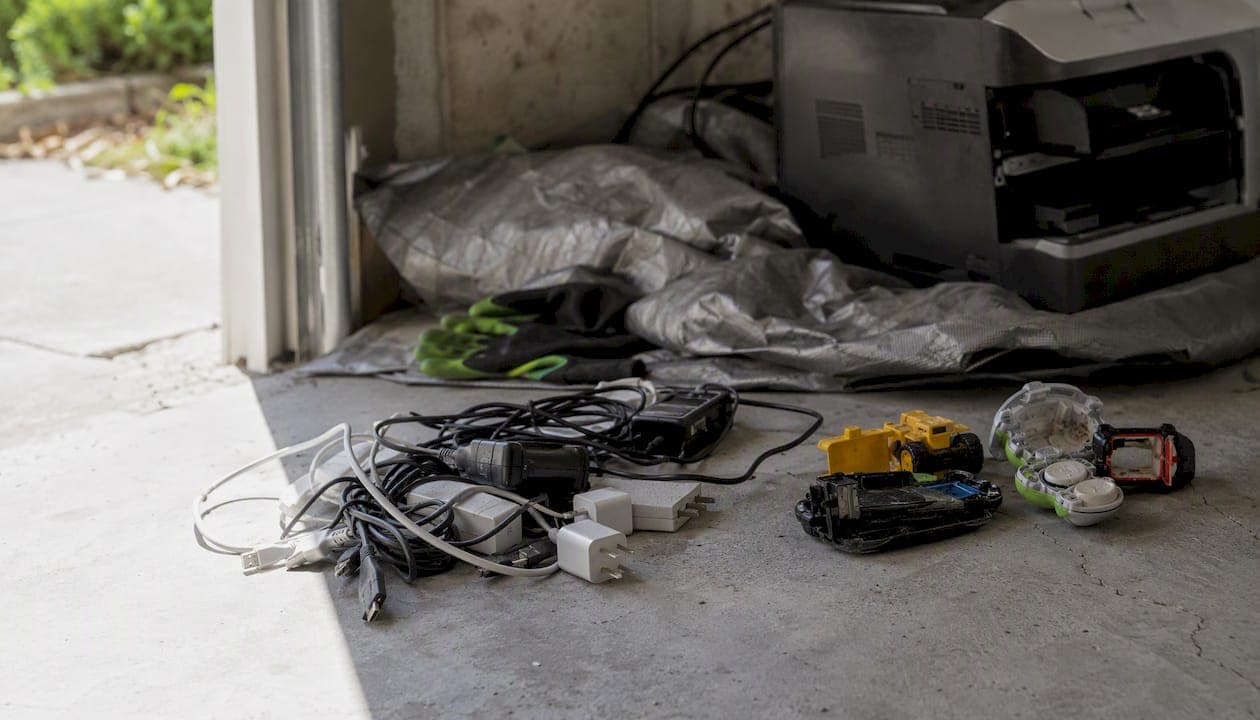
The best e-waste disposal options, in order, are: repair or donate what still works, use a retailer or manufacturer take-back program for small electronics, hit a municipal drop-off or community e-waste event for mid-size items, ship small devices through a certified mail-back program, and hire a professional pickup for bulky or mixed loads. The EPA backs this exact hierarchy: repair and donate first, take-back programs second, certified recyclers last.
- Working device, still useful: donate, resell, or trade in
- Small broken electronics (phones, cables, chargers): retailer take-back or mail-back
- TVs, monitors, printers: municipal drop-off or scheduled event
- Large volume, mixed junk, or you just want it gone today: professional pickup
Your first move: check whether the device still powers on. If it does, donate it. If not, find your nearest option using a state directory or your city's waste page before you load anything into the car.
Key Takeaways
The most effective approach to e-waste disposal starts with repair or donation, moves through retailer and municipal channels, and reserves paid pickup for bulky or mixed loads.
| Point | Details |
|---|---|
| Follow the hierarchy | Repair or donate first, then use take-back or municipal programs before recycling. |
| Check for hazards | CRT TVs and monitors contain leaded glass and require special handling, not curbside trash. |
| Verify before you go | Call ahead about item limits, fees, and proof-of-residency requirements at any drop-off site. |
| Protect your data | Wipe devices, remove SIM cards, and request a certificate of data destruction for sensitive equipment. |
| Choose pickup for mixed loads | Easyscrapofficial handles bulky or mixed e-waste pickups across Lawrence, Andover, Lowell, and Haverhill when drop-off programs won't cover everything at once. |
Table of Contents
- What Counts as E-Waste (and What Doesn't)
- What's the Right Order to Try Before Recycling?
- How Do Retailer Take-Back Programs Work?
- Where Can You Find Municipal E-Waste Drop-Off Sites?
- What Are Certified Recyclers and Mail-Back Programs?
- When Should You Hire a Junk Removal Service?
- How Do You Prepare Devices Before Drop-Off or Pickup?
- What Do Different Disposal Routes Cost and How Long Do They Take?
- How Do You Find Local Drop-Off Locations Fast?
- Get Mixed E-Waste and Clutter Gone in One Trip
- Where to Verify Local Rules and Programs
- Frequently Asked Questions
- Sources
What Counts as E-Waste (and What Doesn't)
E-waste covers anything with a circuit board, battery, or cord that plugs into power. Phones, laptops, desktops, tablets, TVs, monitors, printers, routers, gaming consoles, and small kitchen electronics with digital displays all fall under this umbrella.
A few categories get excluded or handled differently:
- Large appliances without significant electronic components (some washers, basic dryers) often go through appliance recycling instead
- Microwaves fall into a gray zone. Check our guide on microwave disposal for the specifics.
- Batteries almost always need separate drop-off due to fire risk
- Medical devices and smoke detectors frequently require specialty handling
- Old CRT televisions and monitors need special handling under most state rules
Older CRT televisions and monitors contain heavy leaded glass and are subject to special disposal rules in many states, which is exactly why you can't set one on the curb with your regular trash.
That's the core reason curbside pickup refuses most electronics. The glass, batteries, and circuit boards inside can leach heavy metals if they end up in a standard landfill.
What's the Right Order to Try Before Recycling?
Recycling should be your fourth or fifth move, not your first. The EPA's own guidance lays out a clear sequence, and skipping steps usually means throwing away money or a usable product.
- Repair or extend the life of the device. A cracked screen or dead battery is often a $50 fix on a $600 phone.
- Donate or resell. Working laptops, phones, and tablets have real resale value, and Yale Sustainability's guidance points to trade-in programs and resale platforms as the highest-value option before recycling.
- Retailer or manufacturer take-back. Best for smaller electronics once resale isn't realistic.
- Certified recycler or mail-back program. For dead devices with no resale value.
- Professional pickup or landfill as a last resort. Reserved for bulky, mixed, or hazardous loads that don't fit anywhere else.
A dead-on-arrival TV skips straight to step three or four. A phone with a cracked screen but a working motherboard belongs at step one.
Pro Tip: Search for a local repair cafe before assuming a device is unfixable. Volunteers at these events fix small appliances and electronics for free, and many trade-in calculators from carriers or manufacturers will quote you a value in under two minutes.
How Do Retailer Take-Back Programs Work?
Big-box retailers run some of the most convenient e-waste disposal options for small, everyday electronics. Best Buy operates one of the most widely used in-store recycling programs in the country, accepting items like laptops, cables, small TVs, and printers at customer service counters in most locations.
The catch is limits. Most retail programs cap how many items a household can drop off per day, and some restrict certain categories entirely, like large-screen TVs above a certain size.
- Check the retailer's current accepted-items list online before you drive over
- Ask about per-household daily limits, since most programs cap this at a handful of items
- Confirm whether large TVs or monitors need a separate appointment
- Look into manufacturer-specific take-back, since some computer and phone makers run their own mail-back programs alongside retail drop-off
Retail stores often limit how many items per household they accept and may restrict certain device types, so calling ahead beats showing up with a trunk full of gear and getting turned away.
Fees are rare for small items but common for large screens. Some stores charge a modest recycling fee for televisions over a size limit, refunded as store credit in a few cases. Always verify before you go.
Where Can You Find Municipal E-Waste Drop-Off Sites?
Municipal programs are usually free and cover a wider range of items than retail take-back. Most cities and towns run a combination of permanent drop-off centers, scheduled community events, and household hazardous waste days that accept electronics alongside paint and chemicals.
New York City's DSNY guidance makes the legal stakes clear: many jurisdictions prohibit electronics in regular household trash, and municipal drop-off exists specifically to give residents a legal outlet.
- Permanent municipal drop-off centers, usually open specific days or hours
- Scheduled community e-waste collection events, often quarterly or seasonal
- Household hazardous waste days that double as electronics collection
State directories like Mass let you look up exactly what's accepted near you before making a trip.
For events specifically, bring:
- Proof of residency (a utility bill or ID with your address)
- Devices with cords removed and batteries taken out where instructed
- Patience for a line, since per-vehicle limits and queues are common at popular events
Expect volume caps at community events. Many limit residents to a set number of items or a single carload to keep the line moving for everyone else.
What Are Certified Recyclers and Mail-Back Programs?
Certification matters more than most people realize. Two labels, R2 (Responsible Recycling) and e-Stewards, indicate a recycler has been independently audited on how it handles hazardous materials, tracks downstream processing, and protects data on devices it receives.
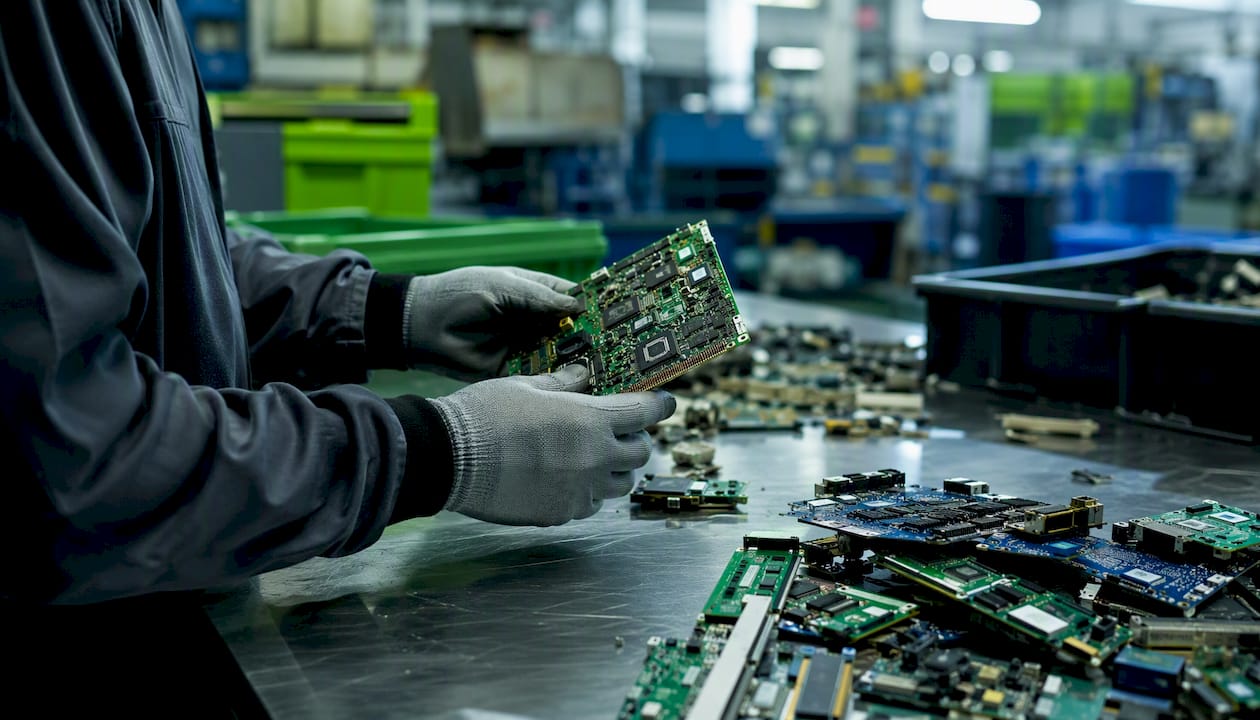
RecyclingWorks Massachusetts recommends checking for these certifications before handing over any device, since uncertified operators sometimes export e-waste to facilities with poor environmental and labor standards.
Mail-back programs work well for phones, tablets, and small electronics:
- Request or purchase a prepaid shipping box from the program
- Pack the device securely, following any battery-removal instructions
- Ship it and track the confirmation of receipt
Before sending anything, ask a recycler:
- Are you R2 or e-Stewards certified?
- What happens to the data on my device?
- Where does the material actually go after processing?
Mail-back suits small items. Large screens and bulky electronics usually cost too much to ship and belong in a different lane entirely.
When Should You Hire a Junk Removal Service?
Some situations don't fit neatly into any of the routes above. A garage full of old computers, a dead washer next to a broken TV, or an estate cleanout with electronics mixed into furniture and boxes all call for a different approach.
Signs a paid pickup makes more sense than DIY drop-off:
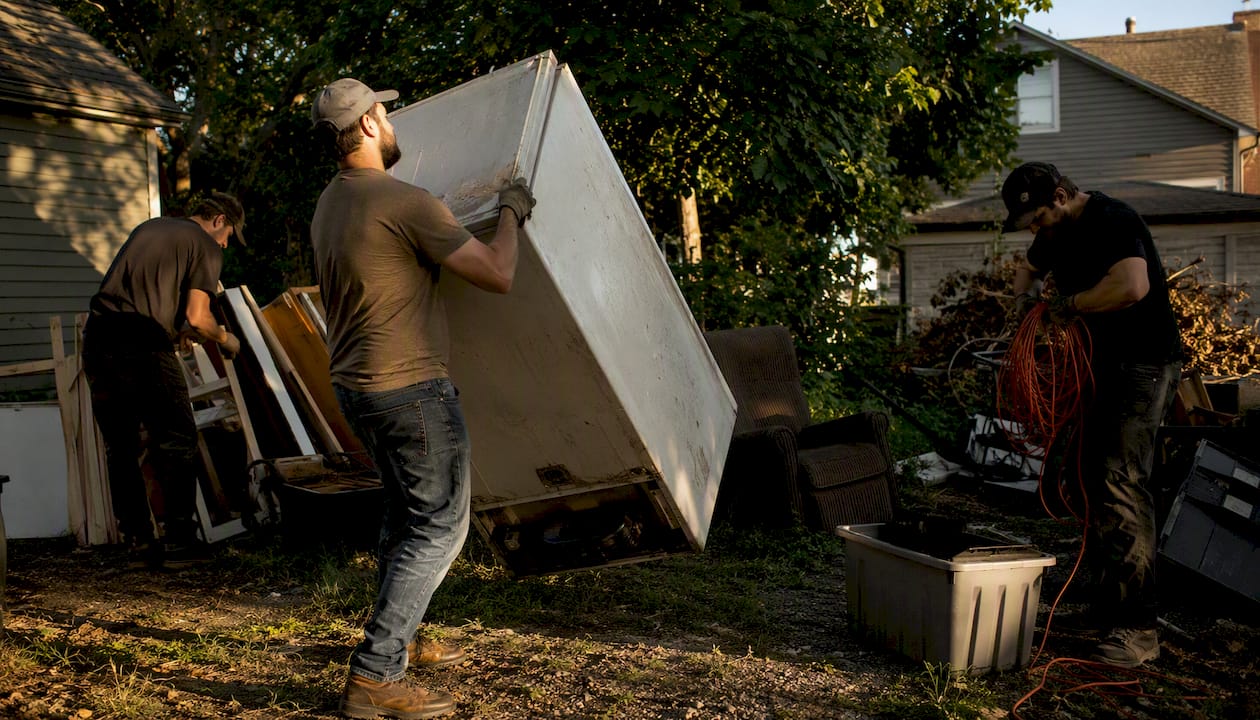
- You have more volume or weight than fits in a car
- Items are mixed with furniture, appliances, or general debris
- You need same-day removal instead of waiting for a scheduled event
- Driveway pickup beats hauling heavy items down basement or attic stairs yourself
Before hiring anyone, ask these questions:
- Are you licensed and insured?
- Where do the electronics and other items actually end up?
- Do you donate or recycle usable items instead of landfilling everything?
- How do you handle data security on computers and phones?
EasyScrap handles exactly this kind of mixed-load situation across Lawrence, Andover, Lowell, Haverhill, and the surrounding area, sorting out what can be donated or recycled from what genuinely needs disposal.
Pro Tip: If you're already clearing out a garage or basement full of unrelated junk, bundling electronics into that same pickup is almost always cheaper and faster than making three separate trips to three separate drop-off points.
How Do You Prepare Devices Before Drop-Off or Pickup?
Preparation protects your data and speeds up processing at whatever site you choose. Skip these steps and you risk a leaked password list or a rejected drop-off.
- Back up anything you want to keep, then perform a factory reset or full wipe.
- Remove SIM cards and memory cards.
- Deregister the device from cloud accounts (Find My iPhone, Google account, etc.).
- Remove batteries if the program instructs it, and tape the terminals to prevent short circuits during transport.
- Wrap large screens in a blanket or original packaging to prevent cracks in transit.
If you're handing off a work computer or anything with financial records, ask the recycler for a certificate of data destruction, or use a certified ITAD (IT asset disposition) service that documents the wipe.
A cracked screen from careless handling can turn a donation into scrap, so a few extra minutes of padding pays off.
What Do Different Disposal Routes Cost and How Long Do They Take?
Cost and timeline vary more than most people expect. Donation and most municipal events are free. Retail take-back is usually free for small items but can carry a fee for large TVs. Mail-back programs range from free (manufacturer-sponsored) to a shipping charge you cover yourself. Professional pickup charges by volume but includes same-day service.
- Free: donation, resale, most community events, many retail drop-offs for small items
- Fee-based: large-screen TV recycling at retail (sometimes refunded as credit), mail-back shipping, professional pickup by volume
Timelines differ too. Retail and municipal drop-off happen the moment you arrive. Mail-back takes days for shipping plus processing time on the recycler's end. Professional pickup can happen the same day you call.
CRT glass alone contains enough lead that some facilities charge extra just to process older TVs and monitors safely, so don't assume every screen is free to drop off.
Always confirm current fees and per-household item caps before you go. Rules shift by location and sometimes by season.
How Do You Find Local Drop-Off Locations Fast?
Directories save you the wasted trip. A few tools cover most of what you'll need:
- State recycling directories (Mass.gov's search tool is a solid model)
- Municipal waste department pages, which list local events and permanent sites
- Beyond the Bin Search, which lets you type in an item and your location to find nearby outlets
- Retailer store locators for chains running take-back programs
Before you drive anywhere:
- Call ahead or check the listing's accepted-items page
- Ask about fees and any proof-of-residency requirement
- Confirm hours and whether an appointment is required
Skipping this step is the single most common reason people show up and get turned away.
A local perspective on getting this right
Households calling EasyScrap usually have the same problem: a mix of old electronics, furniture, and general clutter that no single drop-off program will take all at once. We serve Lawrence, Andover, Lowell, Haverhill, and nearby communities, and we sort out what gets donated or recycled instead of dumped whenever the item allows it. If you've got one working laptop and nothing else, a donation center is faster and free. If you've got a garage full of dead electronics tangled up with everything else, that's when a pickup earns its cost.
Get Mixed E-Waste and Clutter Gone in One Trip
Sorting devices between retail take-back, a municipal event, and a mail-back box works fine when you've got one or two items. It falls apart fast when e-waste is buried in a garage, basement, or estate cleanout alongside furniture and general debris. Easyscrapofficial is the alternative to three separate trips: one crew handles the electronics, the appliances, and everything else in a single pickup, sorting out what gets donated or recycled along the way.
That matters most for households in Lawrence, Andover, Boston, Lowell, and Haverhill dealing with a cluttered garage, a basement full of old computers, or an estate that needs clearing fast. Instead of researching five different disposal programs, you book one appointment and it's handled. If your situation looks more like a mixed cleanout than a single device, get a free quote for junk removal and find out how quickly it can be off your property.
Where to Verify Local Rules and Programs
A few official resources cover most questions a household will have:
- US EPA electronics guidance: the federal hierarchy and general rules on donation and recycling
- Mass: searchable state listings of accepted materials and locations
- NYC DSNY electronics page: a model for how municipal guidance explains legal requirements and local drop-off options
- Beyond the Bin Search: a quick tool for finding outlets by item and location
Confirm accepted items and appointment requirements on each site before making a trip.
Frequently Asked Questions
Is it illegal to throw electronics in the trash? In many cities and states, yes. Municipal guidance like DSNY's electronics page confirms that regular trash pickup won't accept most electronics, and violations can carry fines depending on your local rules.
What's the fastest way to get rid of a broken TV? Check your municipality's e-waste event schedule first, since most take large screens for free. If you need it gone sooner or you're clearing out other items too, a pickup service handles it same-day.
Do I need to wipe my phone before donating it? Yes. Back up your data, then perform a full factory reset and remove the SIM card before donating or recycling any phone or computer.
Can I recycle a microwave with my other e-waste? Sometimes, but rules vary by location. Check our microwave disposal guide for the details specific to that appliance.
What does R2 or e-Stewards certification actually guarantee? It means an independent audit verified the recycler's handling of hazardous materials, data security practices, and downstream processing, rather than taking their word for it.
Sources
- Electronics donation and recycling | US EPA
- Electronics & E-Waste - DSNY
- Mass
- Recycle Electronics | RecyclingWorks Massachusetts
- How to Sustainably Dispose of Your Technological Waste | Yale Sustainability
- Beyond the Bin Search | Recycle Smart